Z2 Liberator
Initial exploit
- Dial in the phone app *983*673636#
- Dial in the phone app *#*#62468#*#*
- Note: Do not press call. You should be brought to a menu.
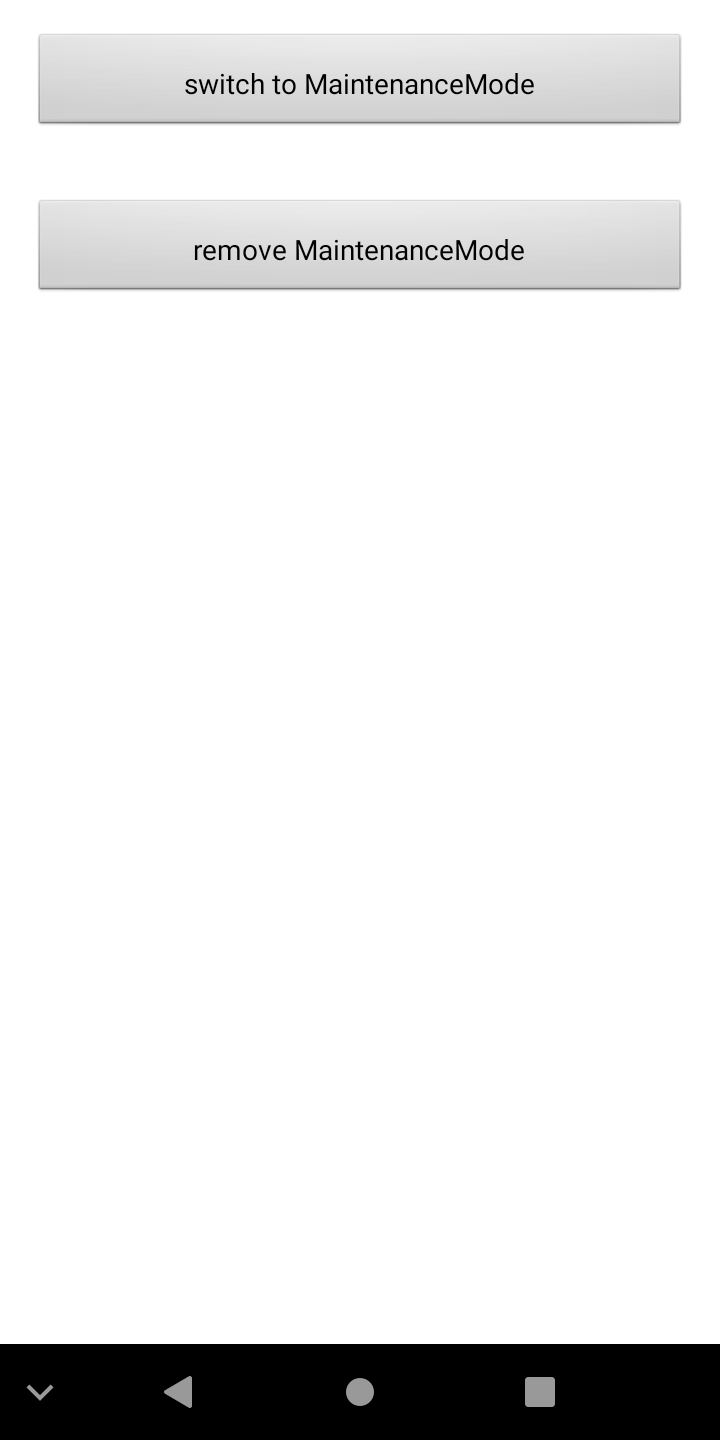
- You should now be here:
- Press switch to MaintenanceMode
- You should see the device say "Switching to MaintenanceModeUser..."
- Connect your phone via USB (if you haven't already) and choose "Charge this device" if a popup appears on the Z2
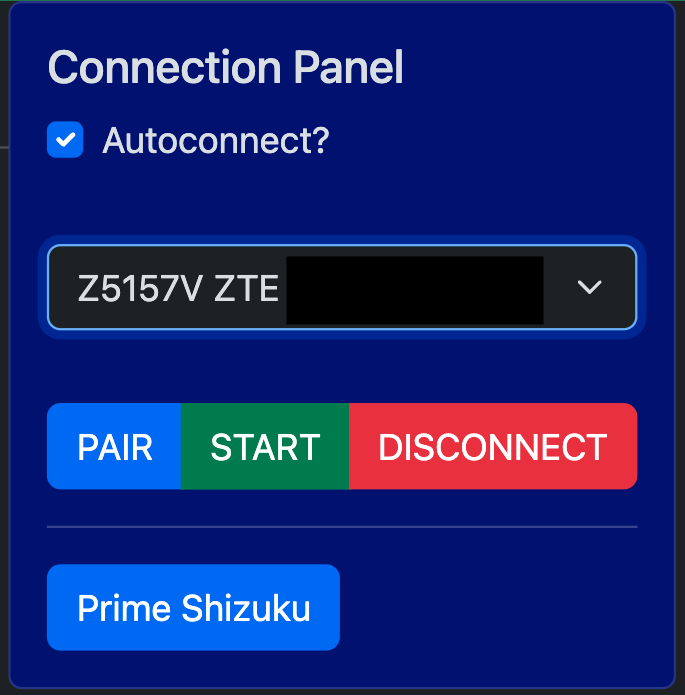
- Press Pair in the Connection Panel
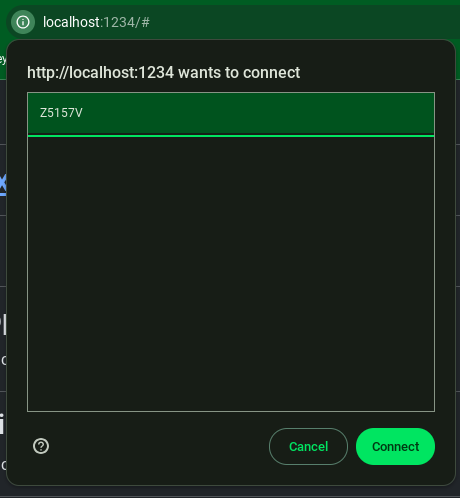
- Select your device (likely Z5157V) from the menu, then press Connect
- If the dropdown still says No device, select your device from the dropdown in the Connection Panel (likely starting with Z5157V)
- Press Start
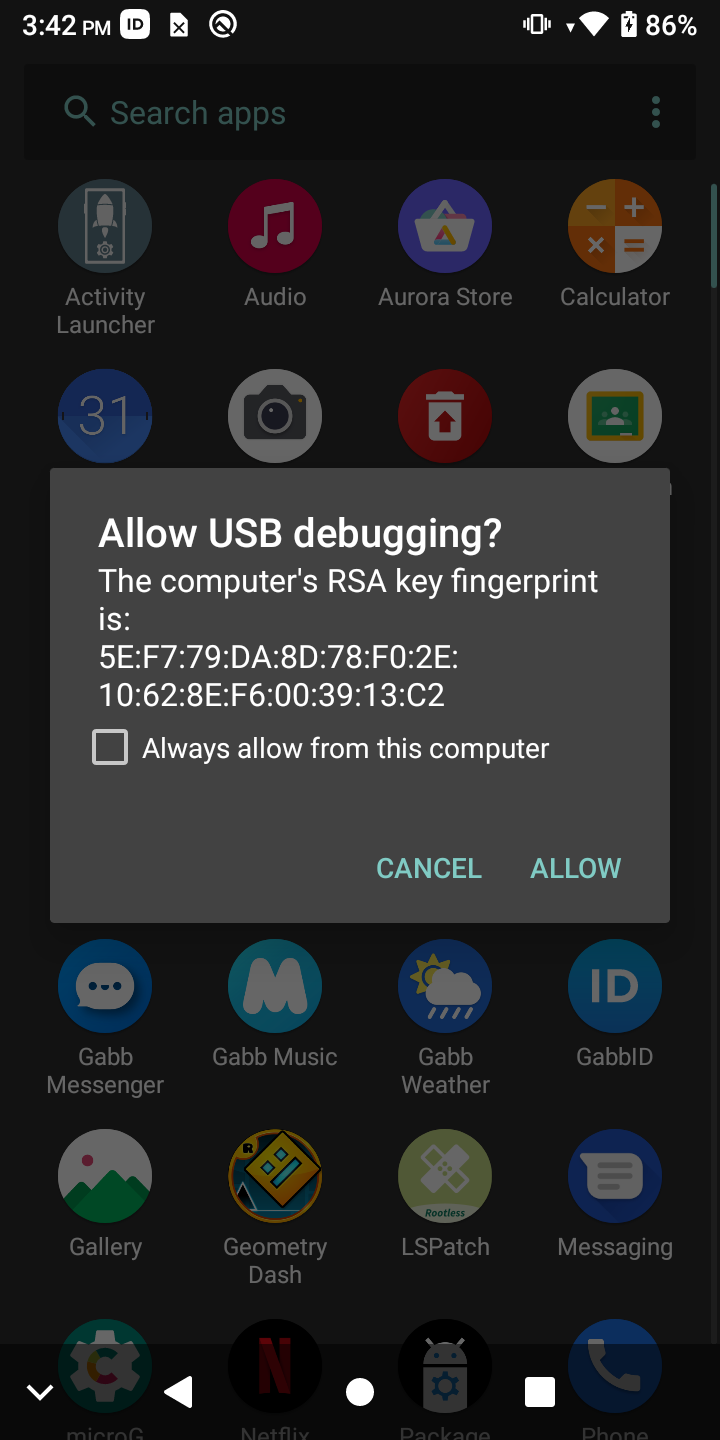
- Allow the connection on your Z2 device
- Press Exploit Z2 button below
Reconnecting
- Connect your phone via USB (if you haven't already) and choose "Charge this device" if a popup appears on the Z2
- Select your device from the dropdown in the Connection Panel (likely starting with Z5157V)
- Press Start
- Allow the connection on your Z2 device if prompted
- If the device doesn't show up in the dropdown menu do the following
- Press Pair in the Connection Panel
- Select your device (likely Z5157V) from the menu, then press Connect
Install an apk
Send to device
Custom command